
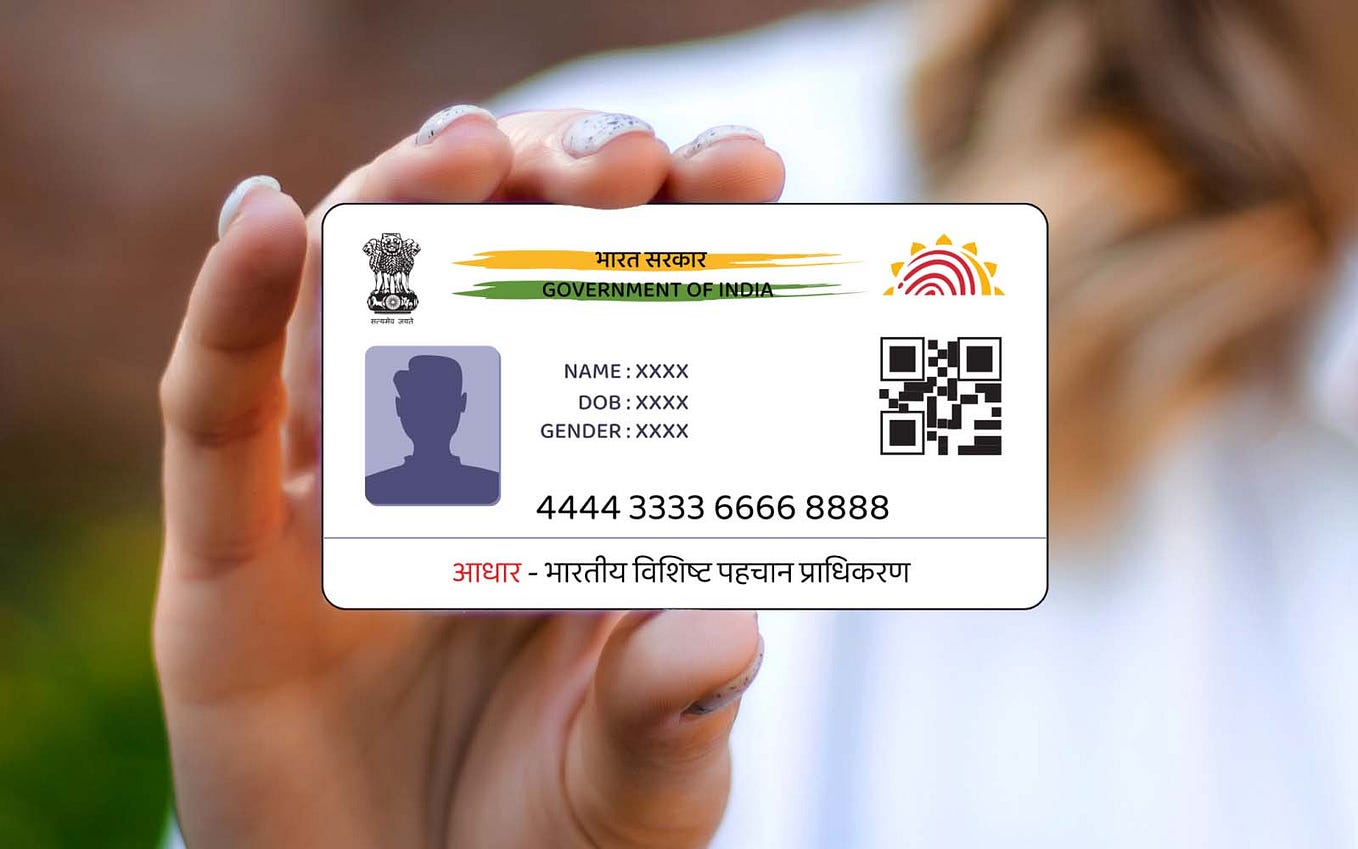
The Aadhar card is one of India’s most important identification documents, linking individuals to their unique identification numbers and serving various purposes, from availing government subsidies to applying for financial services such as a personal loan on Aadhar card. But often, due to marriage, legal formalities, or errors in name spelling, individuals may need to update their name on the Aadhar card. This article explains the Aadhar card name change procedure online, step by step, and provides clarity on the entire process.
Why Is It Important to Update Your Name on Aadhar Card?
Aadhar serves as your primary proof of identity, accepted across institutions such as banks, schools, government organizations, and more. If your name is not updated correctly, it may lead to inconvenience while accessing services such as availing a personal loan on Aadhar card, applying for passports, or claiming government benefits like LPG subsidy, welfare schemes, and more. Thus, ensuring accuracy in your Aadhar details is crucial.
Can You Update Your Name on Aadhar Card Online?
The Unique Identification Authority of India (UIDAI), the agency responsible for Aadhar-related services, has enabled an online process for aadhar card name change or correction in your Aadhar card using its Self-Service Update Portal (SSUP). However, consultation of the FAQ section on UIDAI’s official portal is recommended before proceeding with changes.
Below is the comprehensive guide that walks you through the name change procedure.
Step-by-Step Guide for Aadhar Card Name Change Online
Step 1: Visit the UIDAI Website
The process begins by logging into the official UIDAI website ([www.uidai.gov.in](https://www.uidai.gov.in)). Navigate to the ‘Update Aadhar Details’ section and click on ‘Aadhar Update Online.’
Step 2: Login Using Aadhar Number
To proceed further, you need to log in to the Self-Service Update Portal (SSUP) by entering your 12-digit Aadhar number or Unique Identification Number (UID). After entering the details, click on ‘Send OTP.’
Step 3: Enter OTP
The OTP (One-Time Password) will be sent to your registered mobile number linked with your Aadhar card. Enter this OTP in the designated space on the portal to verify your identity and move forward with the process.
Step 4: Select the Data You Wish to Update
Once logged in, you’ll be shown multiple options for data updation – name, address, date of birth, gender, etc. Choose the ‘Name’ option to update or correct your name.
Step 5: Enter Your Correct Name
Enter your updated name as per supporting documents, ensuring correctness in order to avoid further errors. For instance, if updating due to marriage, ensure consistency with legal documents that reflect your new name. Double-check before submitting.
Step 6: Upload Supporting Documents
The next step involves uploading scanned copies of necessary documents to validate your name change request. Acceptable documents include:
– Passport
– Marriage certificate
– PAN card
– Driver’s license
– Government-issued identity cards
You can visit UIDAI’s website for a full list of acceptable identity proof. Keep your documents in JPG, PDF, or PNG formats under the size limit specified.
Step 7: Submit the Request
After uploading your documents, submit the request by clicking on the ‘Confirm Submission’ button. Ensure that the entered information matches your supporting document details to avoid rejection during validation.
Step 8: Pay the Nominal Fee
After submission, you will be asked to pay a nominal fee online, often ranging around ₹50, to process the changes. Payments can be made through net banking, debit/credit cards, or UPI.
Step 9: Receipt Reference Number
Once payment is completed, you will receive a reference number that allows tracking the status of your request. The status can be verified on the UIDAI website under the ‘Track Update Request’ section.
Step 10: Wait for Approval and Download Updated Aadhar Card
Once the UIDAI verifies your documents and approves the request, your updated Aadhar card will be ready for download. You can obtain the updated e-Aadhar via the UIDAI portal, which reflects your new name.
Things to Note While Updating Name on Aadhar Card
– Ensure your mobile number is linked with Aadhar to receive the OTP for verification.
– Use clear and legible scanned copies of supporting documents to avoid rejection.
– The process may take around 5–7 working days for verification and approval, after which you can download the updated card.
Implications of Incorrect Name in Aadhar Card
An incorrect name in your Aadhar card can create hurdles in accessing essential services, such as banking facilities or even applying for a personal loan on Aadhar card. Financial institutions require accurate Aadhar details to process loans and verify identity. Ensuring the correct name on your Aadhar card prevents delays in such transactions and ensures hassle-free access to benefits and services.
Alternative Option: Offline Name Change Procedure
If the online process seems inconvenient, you can opt for the offline method by visiting your nearest Aadhar Enrollment Centre. Here, you can submit a form detailing your name change request and provide necessary supporting documents. Remember to carry the originals for verification.
Conclusion
Updating your name on your Aadhar card is a straightforward procedure when done online through the UIDAI’s Self-Service Update Portal. By following the steps mentioned above, you can ensure that your details are accurate for future use in accessing government and financial services, including applying for a personal loan on Aadhar card. Having correct documentation reduces the possibility of denial or delays in processes and ensures smooth transactions.
Taking proactive steps to keep your Aadhar details up to date not only simplifies online applications but also eliminates potential errors that could hinder your access to essential services. With advancements in technology, the UIDAI portal makes it easier and quicker than ever to complete updates—empowering citizens to take control of their digital identity effortlessly.






Leave a Reply